Cyan cross
For beginnersClose to the default size but fully opaque and static, easy to spot on every map. A good first step.
Copy, paste into the game, play.
A crosshair code packs every crosshair setting into one line. The recommendations below are setups PlusOne put together by use case: copy a code in one click, see how it sits over a map in the preview, or tune your own in the builder.
Close to the default size but fully opaque and static, easy to spot on every map. A good first step.
The dot helps you place aim on the head and the short lines don't cover the target. The black outline keeps white visible on light walls.
Covers almost nothing, so even distant heads stay visible. Gives no spray feedback, so it suits taps and one-shots.
A white dot with a fully opaque black outline, readable in dark corners and on bright walls alike.

A 2-pixel dot without an outline. The cleanest look, for players who like precise aim.

4-pixel lines, a 2-pixel gap, no outline. Leaves a tight target at head level and doesn't open when firing.
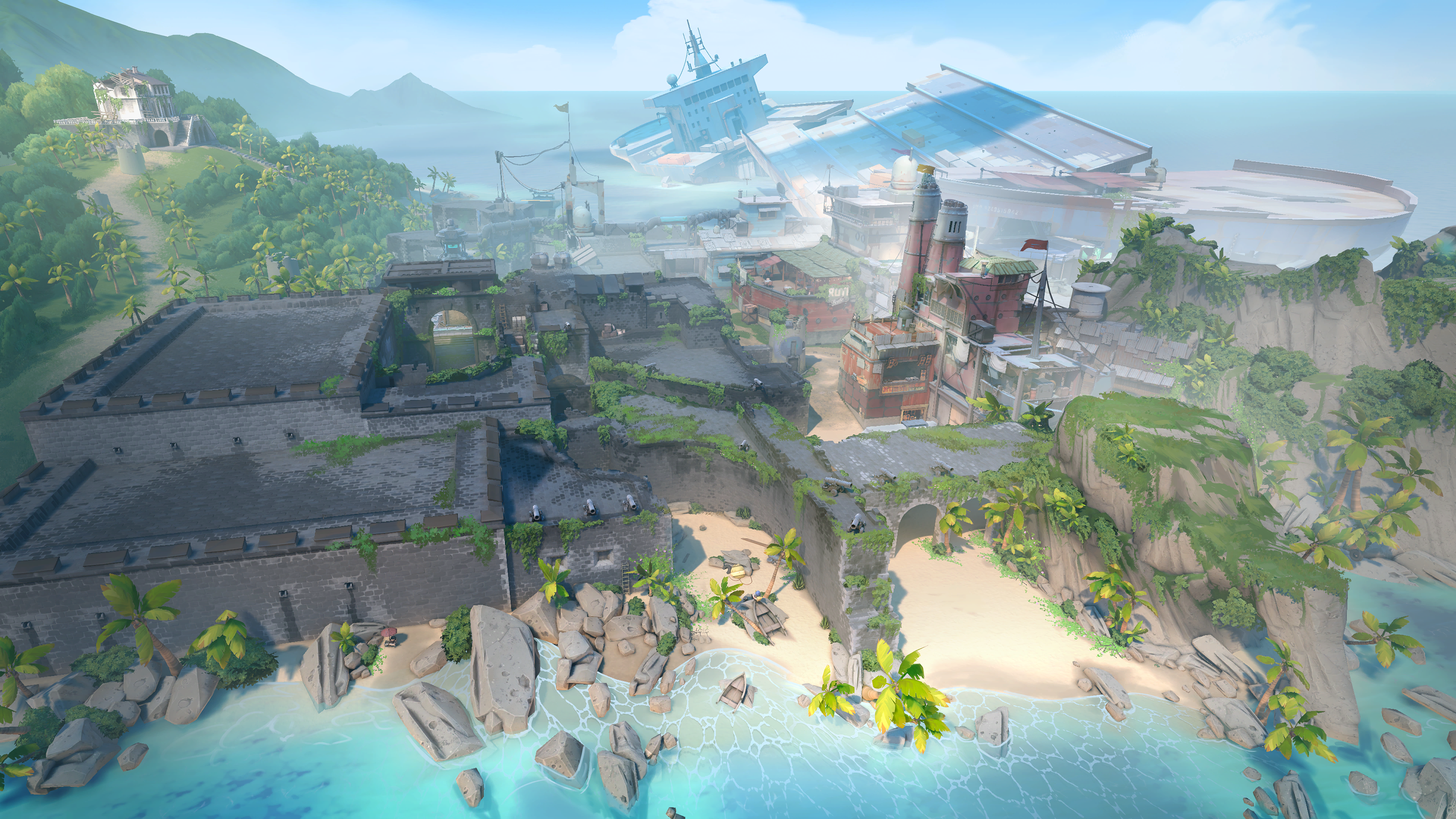
1-pixel lines with an outline: small but crisp. Doesn't hide the target at high resolution or in long duels.
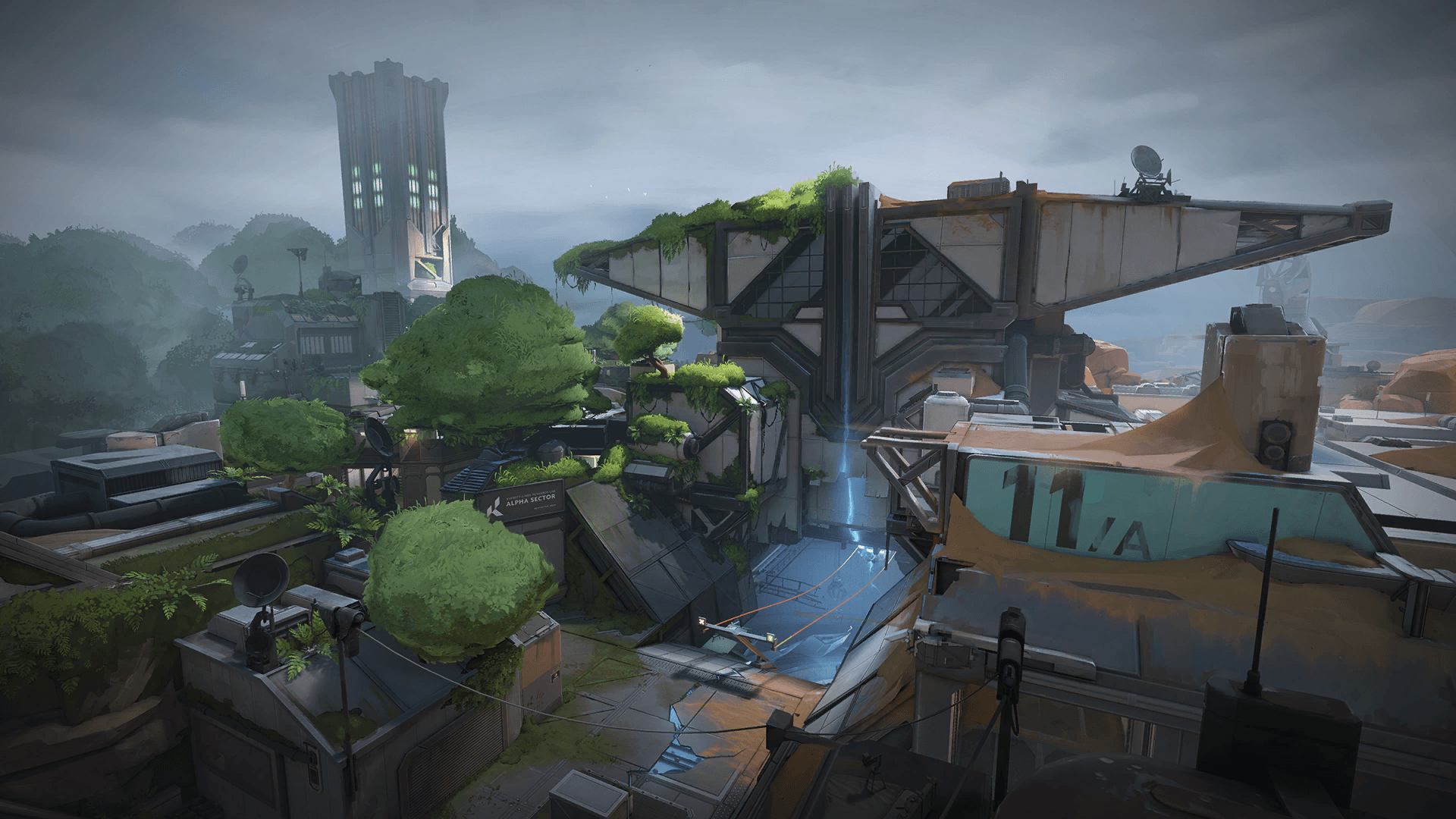
A 1-pixel dot inside short lines. Green naturally stands out on most Valorant walls.
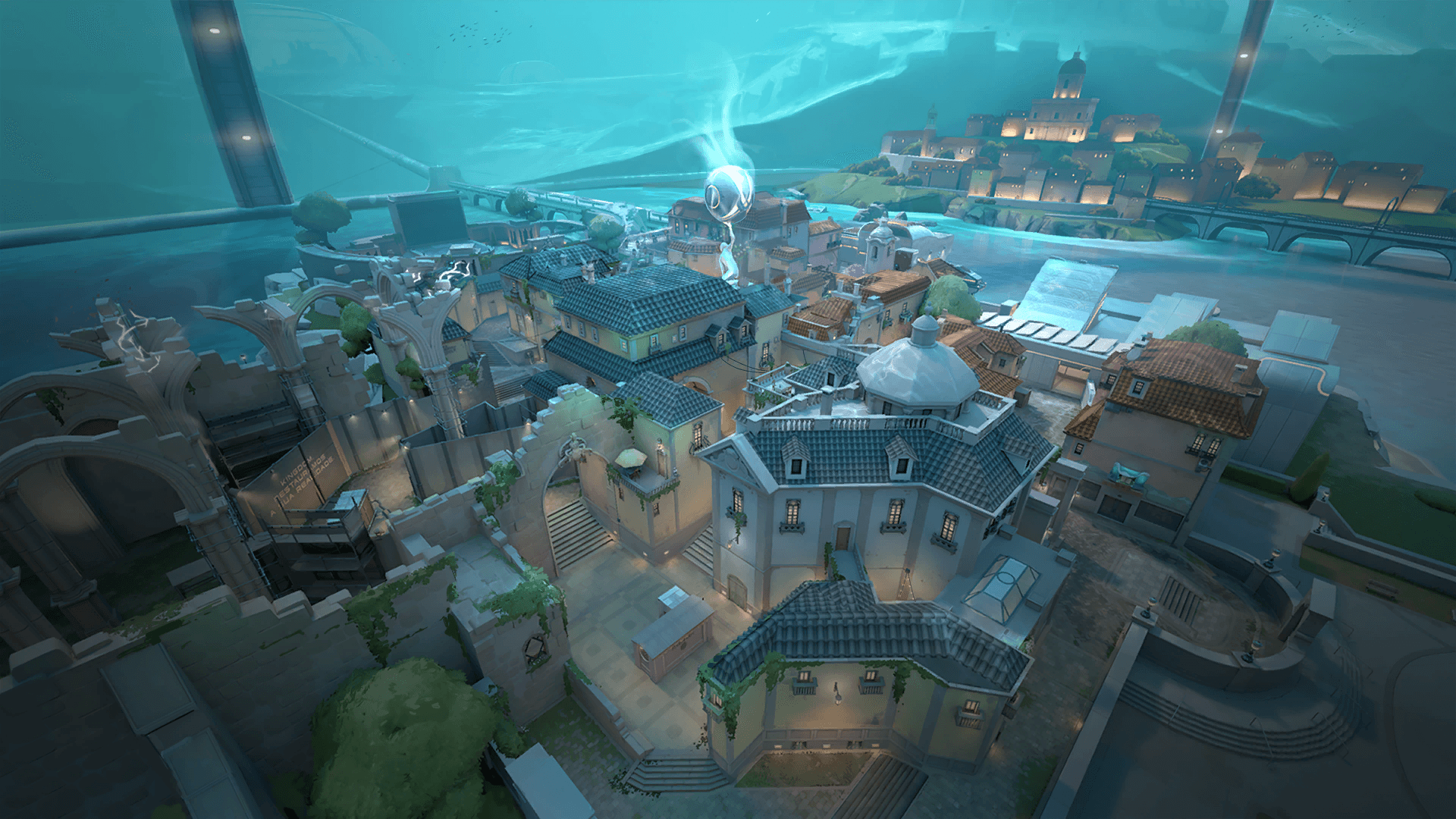
Inner lines open while you move and fire, and the outer lines show how much accuracy you lost. Teaches you to stop before shooting.
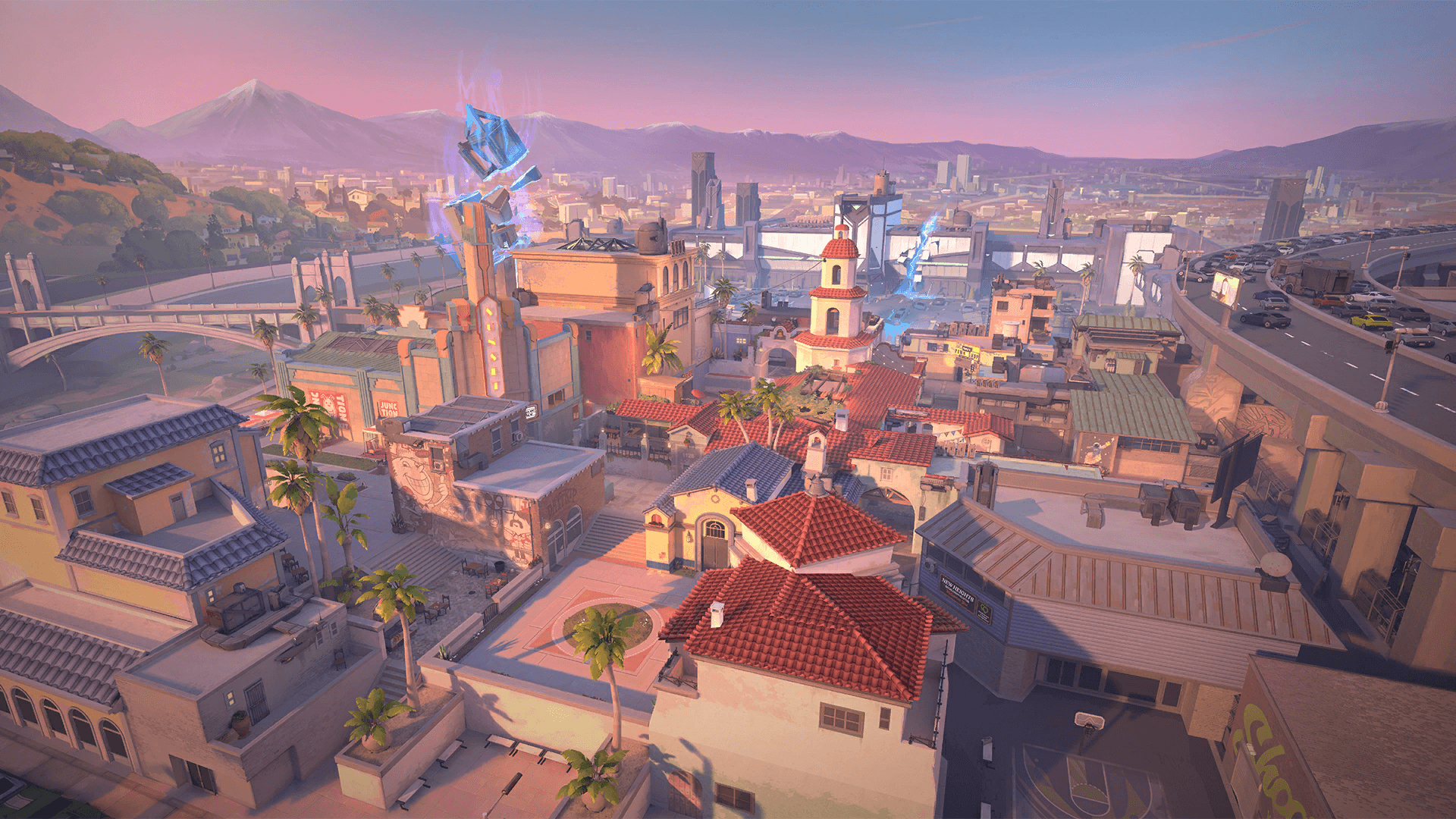
The small center cross never moves; only the outer lines open with movement and fire. Steady aim with feedback.
Pink barely appears on Valorant maps, so it stays visible even on bright maps like Icebox and Breeze.
3-pixel yellow lines with a solid black outline. Doesn't get lost on a bright screen or in effect-heavy fights.
With red-green colorblindness (the most common types), yellow is one of the easiest colors to separate from the background. The outline adds contrast.
Relies on brightness, not hue: a white line with a black outline looks equally sharp with every type of colorblindness.
The default red scope dot becomes a larger, fully opaque cyan one. The short unscoped cross suits quick shots with the Marshal or Outlaw.
Scope dot: Cyan, thickness 1.5
Just a dot when unscoped and a white dot in the scope. Keeps the screen clean while you hold long angles.
Scope dot: White, thickness 1.25
Change the settings and the preview and code update at once. Start from a recommendation or paste a code you have and tweak it.
The preview shows a still moment; movement and firing error spread the lines in game. The builder changes the primary crosshair; the scope and aim-down-sights settings of a pasted code are kept.
A dot hardly covers the target and is comfortable at range, but it's small enough to lose in a fast fight. A short cross shows the center faster; keep the lines short and the gap tight and it won't cover the target. For most players 3–5 pixel lines with a 2–3 pixel gap is a good start.
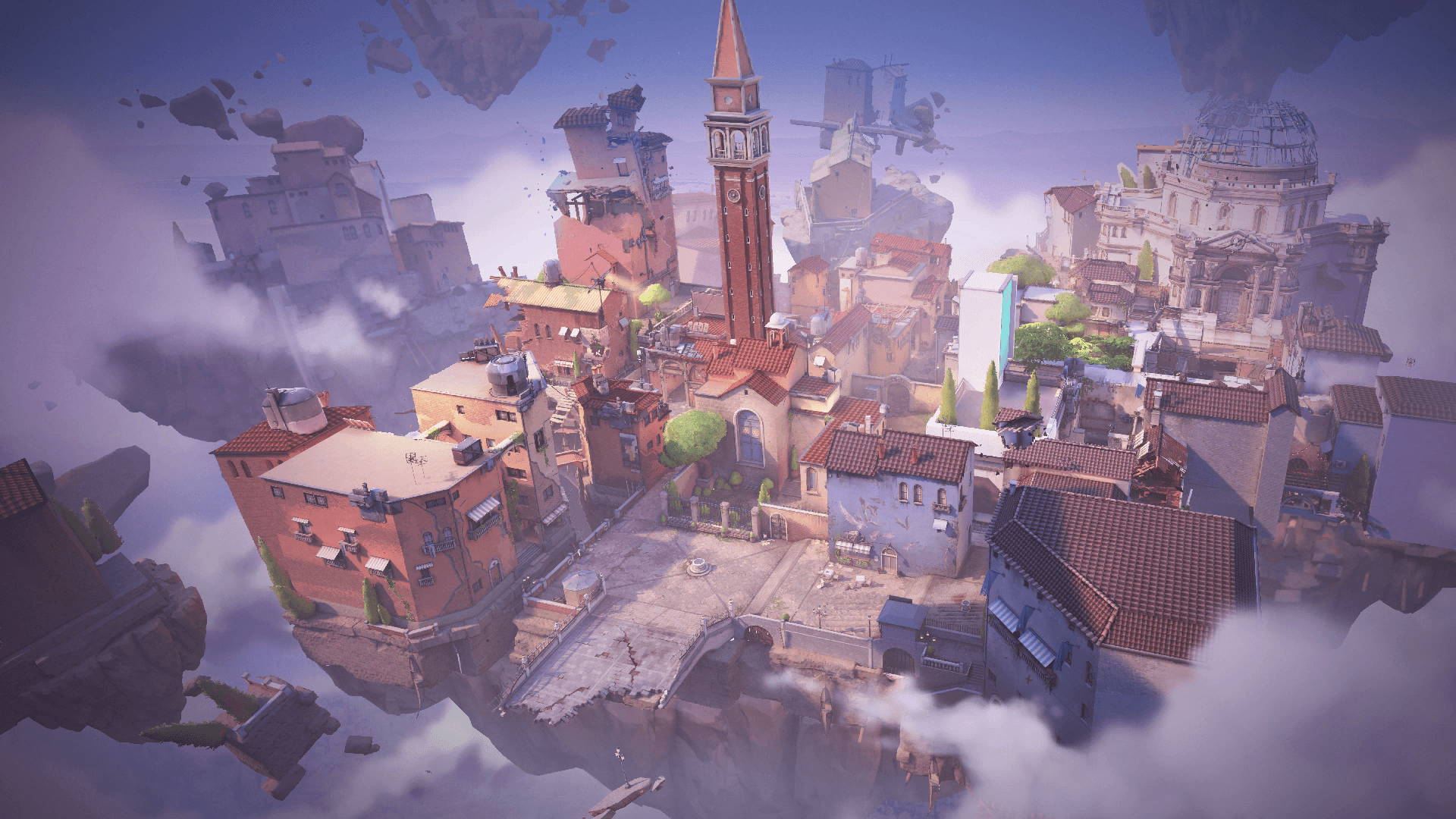
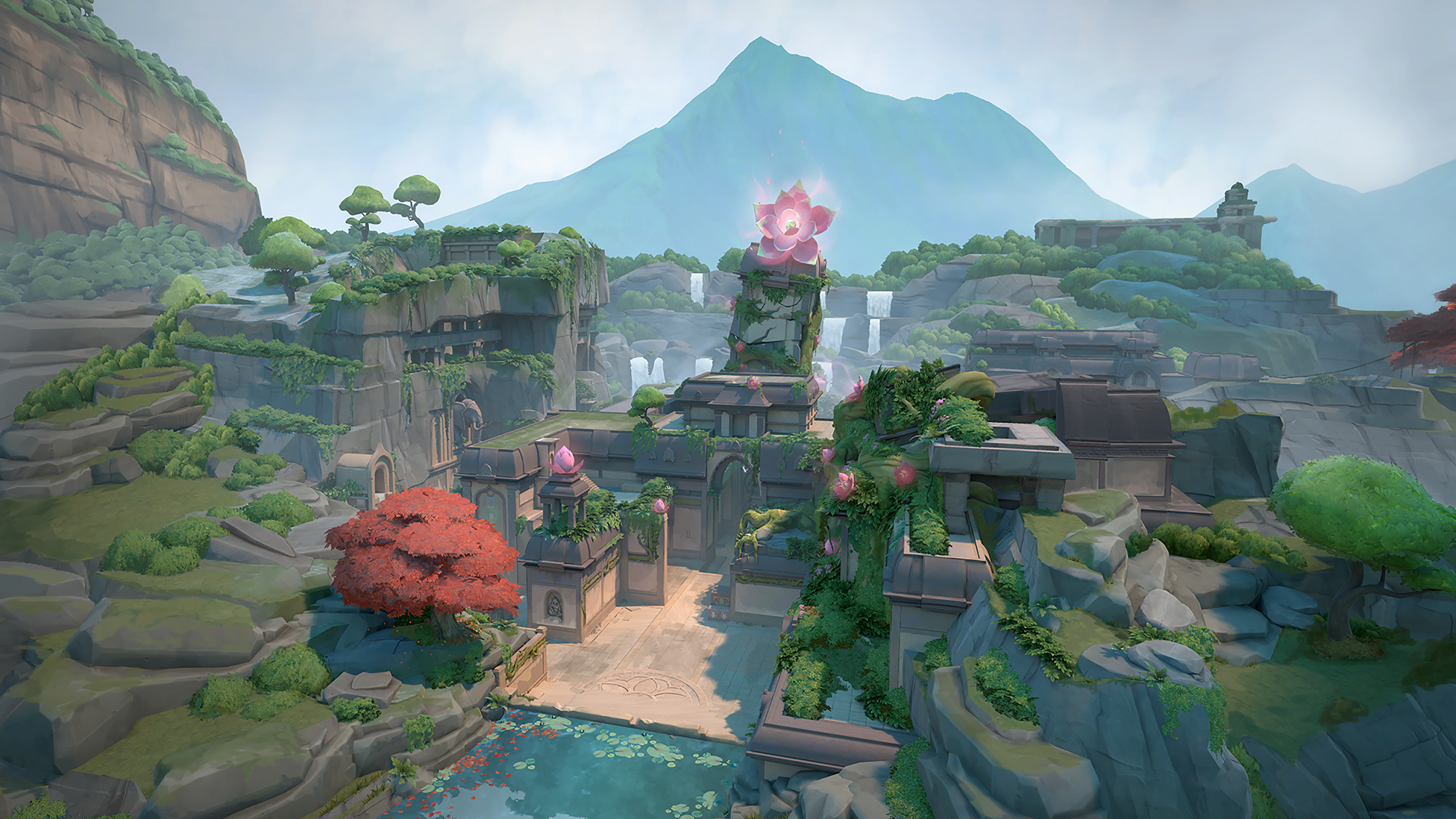
Cyan, pink and yellow appear least on Valorant maps, so they usually stand out best. On bright maps like Icebox and Breeze, white and pale colors can vanish; a black outline or pink helps. Red can blend with the enemy highlight and damage effects.
A black outline separates the crosshair from any background but makes it a little thicker. Turning outlines on at opacity 1 is the safest choice on bright walls; a thin cross without outlines looks cleaner but can vanish in dark corners.
When on, the lines open while you move and fire: you can see that shooting on the run doesn't work, which helps new players. The downside is that the crosshair grows during a spray and covers the target. With a static crosshair you track accuracy by sound and tracers instead.
Copy the code, open Settings > Crosshair in game, press Import Profile Code, paste the code and confirm. Make sure there's no space before or after it.
No. These codes are setups PlusOne put together by use case; none is presented as a particular player's crosshair. Pros change their settings often, so check the player's own posts for theirs.
A dot covers the least of the screen and is comfortable for distant heads and single shots. A cross makes the center faster to find and shows your aim more clearly while spraying. If you're new, start with a small cross.
With red-green colorblindness, yellow, cyan or white with a black outline usually stand out best. The colorblind option in the game's general settings also changes the enemy highlight; try both together.
When on, the lines open while you move and fire, showing lost accuracy and teaching you to stop before shooting. When off, the crosshair never changes, which players who want a steady picture prefer. Bullets land the same either way.
Pick your party's ranks in the calculator to see who can join. Then join a lobby that fits or open your own.